How to Build a Portfolio Website in an Afternoon (For Freelancers and Photographers)
You don't need a designer to show your work well. A four-page portfolio, built with drag-and-drop sections, is a Saturday afternoon's work. Here's the plan.
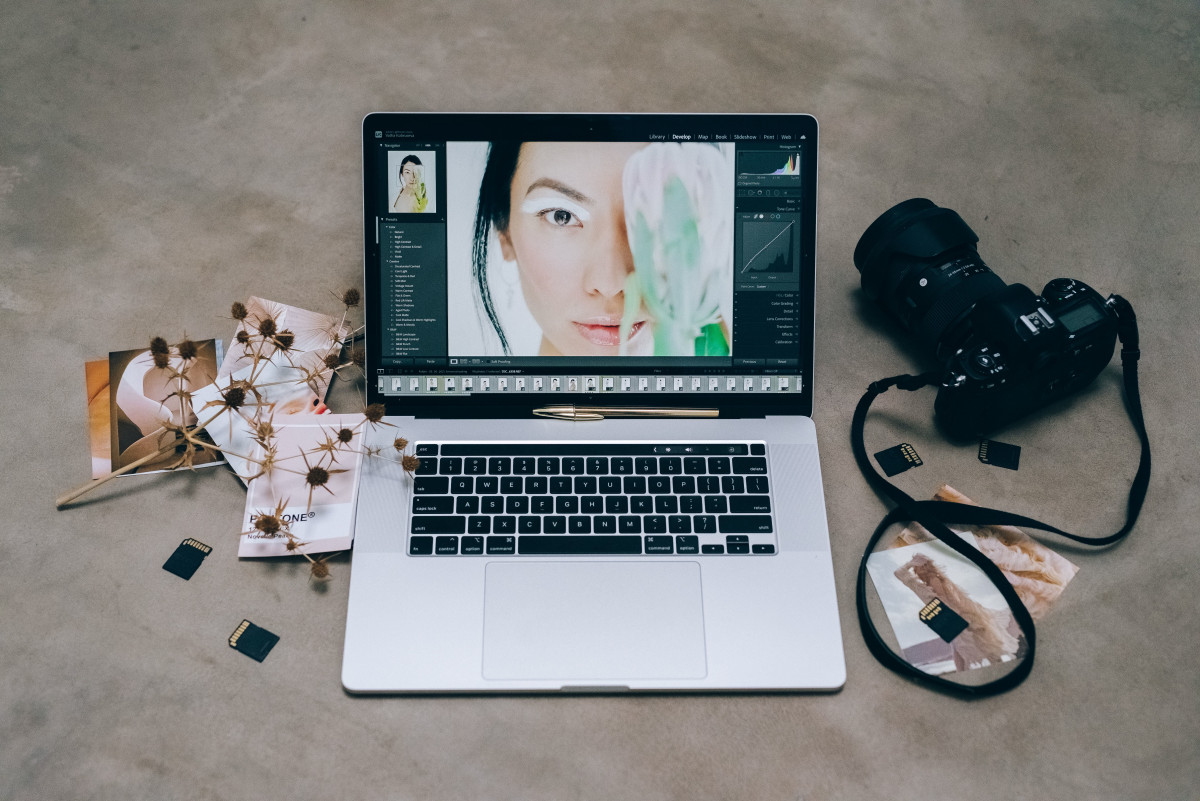
If you're a photographer, designer, writer or any other freelancer, your website has a simple job: show the work, say what you do, make it easy to hire you. That's four pages, and none of them need code. Here's the afternoon plan.
Before you open the editor (20 minutes)
Pick your ten best pieces. Not fifty. Ten strong images or projects, exported at web size, beat a hundred mixed ones. Write one sentence about what you do and who for: "Wedding photographer in Cornwall." "Brand identity for food and drink startups." That sentence will be your headline.
Page 1: Home (45 minutes)
Start with a gallery-first or portfolio template. Then:
- Hero: your one sentence, plus a button that says "See the work" or "Get in touch."
- Gallery or portfolio section: your ten pieces. Let them breathe. Big images, short captions.
- Services: three to five things you offer, each with a starting price or "from" figure if you're comfortable.
- Closing call to action: "Available for bookings from March. Get in touch."
Page 2: About (30 minutes)
One photo of you, three short paragraphs. Who you are, how you work, what clients can expect. This is the page people read right before they email you, so write it to them, not about yourself in the third person. If the words won't come, describe yourself to Webmarlin's AI in a sentence and edit its draft.
Page 3: Services or Pricing (30 minutes)
A pricing or cards section with your packages. Be as specific as you're comfortable being. Freelancers who show even a starting price get fewer time-wasting enquiries.
Page 4: Contact (15 minutes)
A contact form with name, email and a message box. Add a line about your typical response time only if you'll keep to it.
Publish and check (15 minutes)
Publish on your free yourname.wbmr.in address. Open it on your phone. Check the gallery scrolls smoothly and the contact form sends. Fix the two things that look off, publish again.
Later, when it's earning
Upgrade to Pro when you want a domain of your own, buy it in-app and DNS is set up for you. Add a blog for behind-the-scenes posts. If you sell prints or presets, turn on the built-in store and take payment through Stripe.
Four pages, one afternoon, no developer. Start free.